Motherboard Chipset Popularity Among First-Time Builders
Chipset choice locks in capabilities for years and deserves more thought than most beginners give.
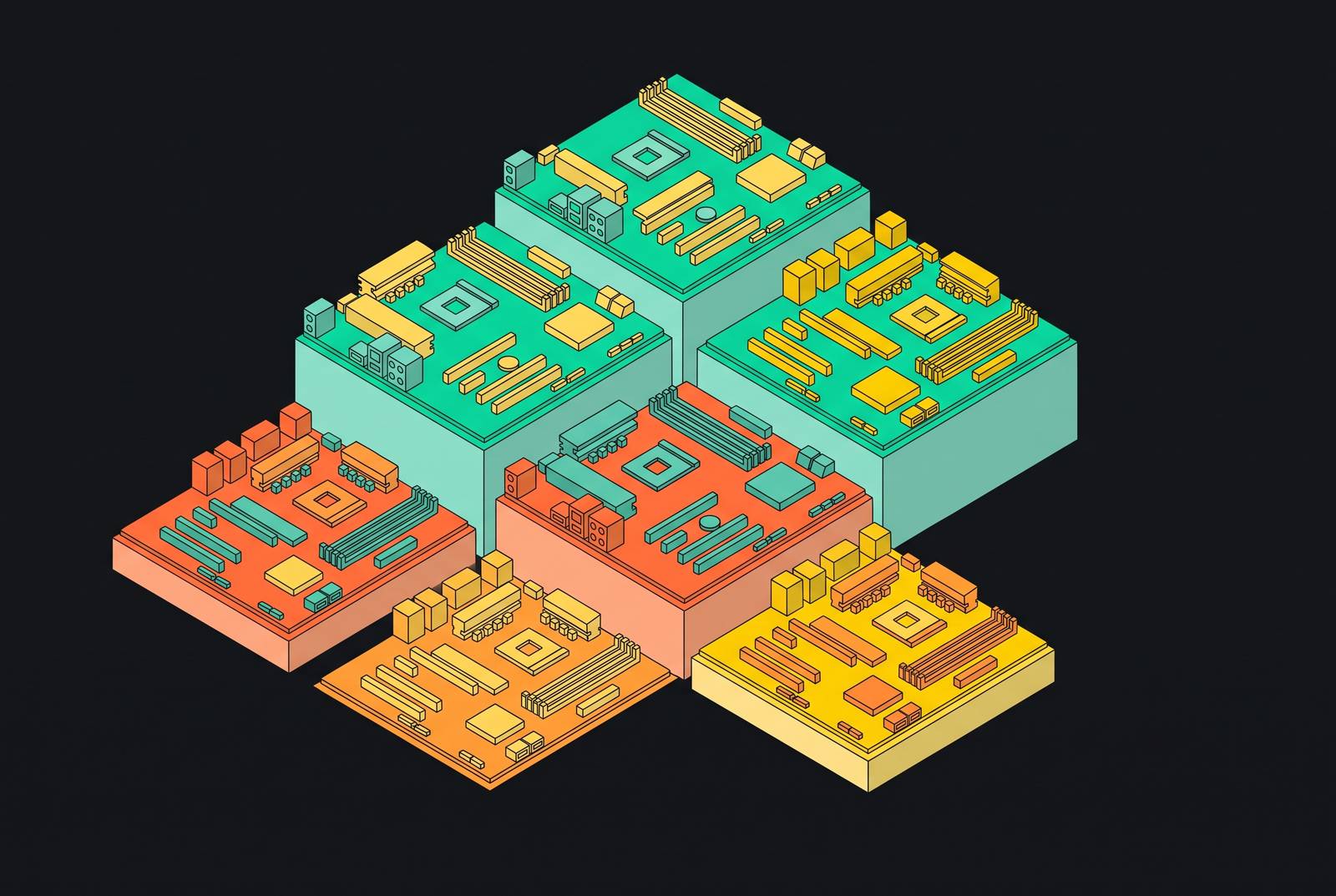
A motherboard chipset is the feature gatekeeper of a build. It decides which CPU generations the board will accept, which RAM type it supports, how many storage slots are on offer, and whether overclocking is even possible, and none of that can be changed once the board is purchased. Think of the socket as the physical slot where the processor sits and the chipset as the logic layer that determines what that socket is actually allowed to do. Beginners conflate the two constantly, and the confusion costs them: an X670E board and an A620 board both accept the same AM5 processors, yet they differ sharply on PCIe 5.0 lane counts, USB port totals, and overclocking headroom. A similar trap exists on Intel's side, where LGA1700 boards split between DDR4 and DDR5 variants, and it is the board's own design, not the socket or the chipset tier, that decides which memory generation fits.
Older motherboards split this logic across two separate chips, a Northbridge handling memory and graphics traffic and a Southbridge handling storage and peripherals. That division no longer exists in its old form. The CPU itself now manages high-speed memory and PCIe traffic internally, while a single Platform Controller Hub takes care of storage controllers, USB ports, and any additional PCIe lanes the board offers. The effect of this consolidation is that the chipset has become an even more concentrated decision point: nearly every expansion feature a builder will touch over the life of the system traces back to this one soldered component.
That word, soldered, is the reason chipset choice carries so much weight for a first build. A GPU can be swapped. A stick of RAM can be upgraded. The chipset cannot, since it is fixed to the board at the factory and stays fixed for as long as that board is in the case. Choosing the wrong tier does not announce itself on day one. It appears later, when a builder discovers there are only two M.2 slots instead of four, finds memory overclocking locked out entirely, or tries to install a CPU released six months after the board shipped and finds no path to do it. That is the stake on the table before a single chipset name even enters the conversation, and it is why the tier decision deserves more deliberation than most first-time builders give it.
The two-platform reality every 2026 builder starts from
Before any chipset tier comparison means anything, a builder has to land on a platform, and in 2026 that choice is already narrowed for them by the CPU generation they want to run. AMD's current desktop socket is AM5, and Intel's current desktop socket is LGA1851. Neither accepts hardware designed for its predecessor. AM4, the socket that carried Ryzen 5000 and earlier, is a finished upgrade platform, and LGA1700, which covered Intel's 12th, 13th, and 14th Gen Core processors, is largely a mature platform as well, though leaked plans suggest Intel may release new "Raptor Lake Next" chips for LGA1700 in early 2027. A Ryzen 9000 processor will not drop into an AM4 board, and a Core Ultra 200 processor will not run on LGA1700. LGA1700 remains perfectly viable for systems already built on it, but it is a dead end for anyone starting fresh in 2026, since Intel's next-generation Nova Lake processors will require an entirely new LGA1954 platform.
The good news for a new builder is that the memory and bandwidth gap between the two platforms has closed. Both AMD and Intel have moved to DDR5 and PCIe 5.0 as the standard across their current enthusiast and upper-mainstream chipsets, covering B650E, B850, X670, X670E, X870, and X870E, though the entry-level mainstream B650 still defaults to PCIe 4.0. Neither platform holds a clear structural advantage in raw memory speed or lane bandwidth anymore. What actually separates boards in 2026 comes down to lane allocation, USB port speeds, integrated wireless hardware, and overclocking policy, not some generational leap one platform has over the other.
Within each platform, the chipsets themselves split into two broad families: a mainstream B-series and an enthusiast X-series or Z-series. Socket and platform are locked in the moment a builder settles on a CPU, and once that happens, the only decision left is which tier of chipset to build around. That decision is where the overwhelming majority of first-time builders end up making the same choice, on both sides of the platform divide, for reasons the next section lays out.
Why B-series chipsets dominate first-time builder choices
B-series chipsets capture the majority of first-time builder purchases for a straightforward reason: they deliver every feature a mainstream gaming or productivity build actually uses, while the X-series and Z-series tiers add capabilities most beginners will never touch, at a meaningfully higher cost.
On AMD's AM5 platform, the B850 chipset has become the mainstream sweet spot. It guarantees PCIe 5.0 on the top M.2 slot, though PCIe 5.0 on the GPU slot remains optional and depends on the specific board. It brings improved EXPO memory tuning and stronger VRM designs than the older B650, and AMD allows Precision Boost Overdrive tuning on B850 boards without forcing a buyer up into the X-series. That last point carries real weight: overclocking-adjacent tuning, once reserved for enthusiast chipsets, is now available on the mainstream tier at no premium.
Intel's lineup follows the same structural pattern. The B760 chipset, still tied to LGA1700, serves as the budget-to-mainstream option. Select B760 variants support DDR4, which lowers total system cost for builders willing to trade some memory bandwidth for savings, and the chipset covers a broad range of CPUs across the 12th, 13th, and 14th Gen Core lineup. B760 does not allow CPU overclocking, but it does permit memory tuning, which covers the needs of most builders who were never going to push a multiplier anyway. Sitting above it, Z890 on the newer LGA1851 socket is Intel's enthusiast tier: an unlocked CPU multiplier, the platform's maximum PCIe lane count, the highest USB port total, full memory overclocking, and CUDIMM support for maintaining DDR5 signal integrity at very high frequencies. That premium only pays off for builders who intend to actually overclock, and most first-time builders do not.
The gap between these tiers has narrowed considerably. PCIe 5.0 and DDR5 are now standard even on mid-tier boards on both platforms, though wireless connectivity still draws a line between them: Wi-Fi 7 is common on AMD's B850 boards, while Intel's B760 boards typically top out at Wi-Fi 6E or Wi-Fi 6. What remains at the enthusiast tier is less about raw capability and more about durability, BIOS polish, and thermal headroom under sustained load, none of which a first builder needs on day one.
The obvious objection follows naturally: if the price gap between an entry B650 board and an entry B850 board has narrowed, why not simply step up to the better board by default? The honest answer depends on live pricing at the moment of purchase, so a builder should check current prices rather than assume either tier is automatically the better deal. It is that B-series gives a first-time builder the correct starting frame, on both AMD and Intel, because it matches spending to what a mainstream build will actually use, rather than claiming B-series beats every other board on the market in every configuration.
The AMD AM5 socket commitment and its effect on a first-time buyer's confidence
B-series being sufficient for today's needs answers half the question a first-time builder is actually asking. Whether that board will still make sense in two or three years matters just as much, and on AMD's platform, the answer has gotten considerably clearer. AMD has publicly committed to supporting the AM5 socket through 2029. That commitment changes the calculation for anyone shopping at the entry or mainstream tier: a B850 or B650 board bought today can accept future Ryzen CPU generations without requiring a full platform replacement, which removes much of the justification for buying up into an enthusiast board purely as insurance against obsolescence.
The clearest evidence of that commitment already exists. "Olympic Ridge," AMD's codename for its Zen 6 desktop CPU lineup, was spotted by hardware tracker InstLatX64 on AMD's Technical Information Portal, and it is listed as compatible with the existing AM5 socket. Olympic Ridge is expected to replace the current Ryzen 9000 lineup and scale up to higher core counts, all on a socket that has already been in the market for several CPU generations. For a builder assembling a B650 or B850 system now, that listing means the socket itself, not the specific board purchased today, is doing the work of future-proofing.
Intel's genuine strengths in this comparison deserve a fair accounting. Intel's genuine strengths are strong single-core performance and a wider selection of budget boards at the entry tier, and those strengths matter to real buyers. The upgrade-path gap between the two platforms is concrete, and it affects builders who plan to swap CPUs within their existing board in two or three years far more than it affects anyone planning to replace the whole system at the next major upgrade anyway. For a first-time builder on AM5, the practical implication is that there is less reason to stretch toward an X870 board in the name of future-proofing, because the socket itself is already providing that headroom through 2029. For a first-time builder choosing Intel, the upgrade ceiling sits lower, but the lower entry price on B760 and B860 boards can offset that difference by freeing up budget elsewhere in the build, whether that means a better GPU, more storage, or faster memory.
None of this settles the AMD-versus-Intel question as a platform verdict, and it isn't meant to. It does mean that AM5's socket longevity takes real pressure off the chipset tier decision specifically: a first-time builder does not need to overspend today to protect against a CPU upgrade next year, which is exactly the anxiety that so often pushes new builders toward boards priced well above what their first build requires.
Compatibility mistakes that derail first builds
The compatibility failures that most often derail first builds are not CPU-to-socket mismatches, since modern retail and board labeling make that error hard to commit by accident. The failures that actually happen are RAM generation errors and BIOS version gaps, and both trace directly back to chipset and board selection.
RAM mismatches are the single most common source of compatibility returns among first-time builders. The chipset and board together determine which memory generation a system accepts, and on Intel's LGA1700 platform the same socket hosts both DDR4 and DDR5 boards side by side. A builder cannot rely on the socket name or even the chipset name alone to know which memory to buy. The board's own spec sheet is the only reliable source for that answer, and skipping that check is how a brand-new set of DDR5 modules ends up incompatible with a DDR4 board pulled from the same LGA1700 family.
The subtler trap is BIOS updates, invisible until the moment one stops a build cold. A motherboard manufactured before a given CPU's release will not recognize that CPU out of the box, no matter how compatible the chipset is on paper, and it needs a BIOS update first. Updating that BIOS, in many cases, requires a compatible CPU already installed in the system to perform the update, which creates a chicken-and-egg problem that can halt an otherwise correct build before it ever powers on. This scenario is particularly relevant on AM5 right now, as new Ryzen generations continue to launch on boards that have been sitting on shelves or in builders' hands for a while. A B650 board purchased in 2024, for instance, may need a BIOS update before it will recognize a newer Ryzen 9000 CPU, and a builder who does not know to check for that update in advance, or does not have a BIOS Flashback feature available to perform it without an installed CPU, can find the whole project stalled at the final step.
Beyond RAM and BIOS issues, physical clearances, PSU connector types, and display output compatibility round out the list of places where first builds commonly go wrong. These errors are more forgiving than the chipset-driven ones, since they tend to surface during planning rather than after parts arrive, particularly when a 3D configurator is used to check GPU and case clearances or I/O layout before any purchase is finalized. None of these failure modes are unavoidable. They are preventable, and prevention starts with understanding what the chipset and board actually promise before money changes hands.
Concrete board recommendations across budget tiers for first-time builders
Everything in the chipset tier argument resolves into a short, practical list. A first-time builder does not need to audit the entire motherboard market to make a sound choice. What's useful is understanding why a small number of specific boards keep appearing at the top of recommendation lists, because those boards represent the clearest expression of their tier.
At the budget end of AMD's AM5 lineup, the Gigabyte B650M AORUS Elite AX stands out as the strongest pick for a first build running a mid-range Ryzen processor. It runs around $150 at Newegg as of June 2026 pricing, in a Micro-ATX form factor, with Wi-Fi 6E built in, multiple M.2 slots for storage expansion, and a 12+2+2-phase VRM design that gives it more sustained power delivery headroom than its price point would suggest. The money a builder saves by choosing this board over an entry-level B850 option can go directly into a RAM kit or a larger SSD, which for most first builds delivers more noticeable day-to-day benefit than the extra chipset features an entry B850 board would add.
This is the same logic that runs through every section of this argument. The chipset a first-time builder picks is not the most exciting line item in the build, and it rarely gets the attention that a GPU or a CPU does, yet it is the one component that cannot be revisited once the build is complete, and that permanence is why B-series chipsets, on both AM5 and LGA1700 or LGA1851, continue to be where first-time builders land: they match the feature set a first build actually needs against a price that leaves room for the rest of the system to be built well.