CPU Bottleneck Impact on High-End GPU Builds
CPU bottlenecks at high refresh rates waste money spent on premium graphics cards.
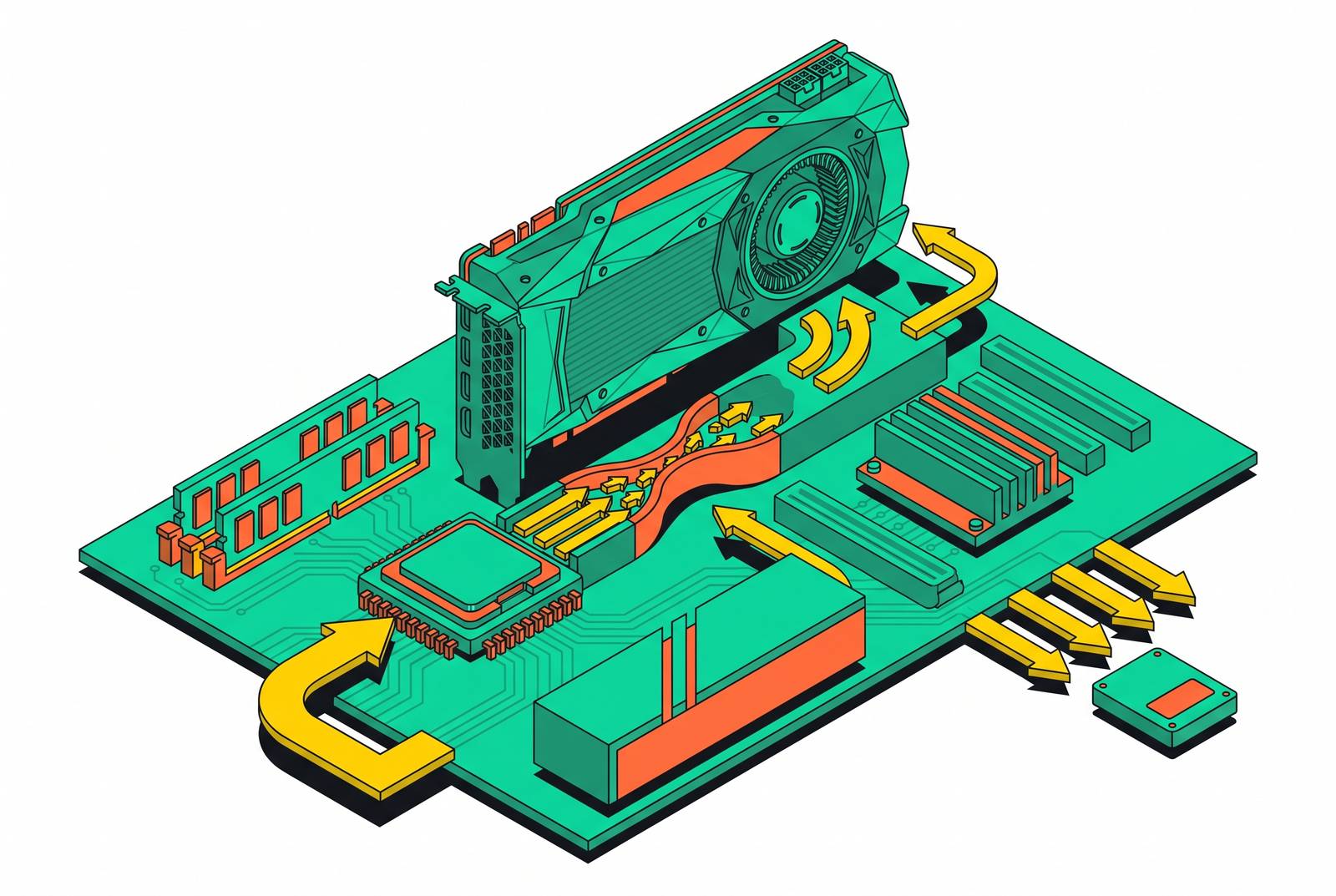
A gaming PC built correctly runs into a GPU bottleneck, not a balanced split between parts, because a GPU pinned at full load means the graphics card is doing everything it was bought to do. Builders often misread this. Seeing GPU usage under 100 percent, many assume the card is running fine, but in a CPU bottleneck that low usage number is the symptom of a starved GPU, not evidence of a healthy system. A GPU running flat-out is the card earning the money spent on it, with the CPU supplying it everything it can use and the GPU standing as the ceiling, which is exactly where that ceiling belongs. Every section that follows works from this reframe: the real question for any build is never whether a bottleneck exists, but which part is causing it and whether that part should be setting the limit, since a CPU bottleneck sitting in front of a high-end GPU is money paid for performance the system never delivers.
How resolution, game type, and target frame rate control how severe a CPU bottleneck is
A CPU bottleneck isn't a fixed trait that attaches permanently to a given CPU-GPU pairing. Resolution does the most work here. A Ryzen 5 5600 paired with an RTX 4080 runs into a severe CPU bottleneck at 1080p, while a Ryzen 7 7800X3D paired with an RTX 4070 Ti settles into a manageable bottleneck once the target shifts to 1440p, resolution alone changing the verdict.
Game type adds a second axis that doesn't depend on resolution. At 1080p, so many competitive titles turn CPU-limited because the GPU can finish rendering a frame faster than the CPU can hand it the next one to work with. Target frame rate stacks a third variable on top of the first two, and it's the one builders account for least. A pairing that looks perfectly balanced at 60 fps can reveal a real CPU bottleneck once the target climbs to 144 fps on the same hardware. The number to watch isn't the average frame rate anyway. Inconsistent 1% lows and micro-stutter appear in frame time before the average FPS number moves at all, which makes frame time consistency the more honest signal of where a CPU bottleneck actually lives.
Two hidden mechanisms that make CPU bottlenecks harder to diagnose than they look
Not every symptom that looks like a CPU bottleneck comes from a true hardware mismatch. Driver overhead and AI upscaling can each produce the same low-GPU-usage, high-CPU-usage pattern, and both can send a builder chasing a hardware upgrade the system doesn't need. On drivers, the fix is simple and comes first: an outdated GPU driver on something like an RTX 50-series card or an RX 9070 XT can produce bottleneck symptoms that look identical to a genuine CPU mismatch, so updating drivers is the mandatory first check before blaming any component.
Upscaling is the harder case, and it moves the bottleneck in a direction most builders don't expect. When DLSS or FSR is active, the GPU renders the frame internally at a lower resolution than the display output, which cuts its per-frame workload substantially, but the resulting higher frame rate still needs the CPU to supply draw calls, physics calculations, and asset streaming fast enough to keep up. This breaks a piece of conventional wisdom that held up fine in the native-rendering era: the claim that the CPU doesn't matter at 4K was built on native 4K rendering, and it stops holding once upscaling enters the picture at 1440p. Turning on FSR 4 can shrink a GPU bottleneck enough that a CPU bottleneck previously masked behind it becomes visible for the first time. DLSS 4 covers over 400 titles and FSR 4 covers over 200, so upscaling functions as the default mode for most high-end GPU owners.
What upscaling can't do matters just as much. DLSS and FSR can't remove a CPU bottleneck that already exists, can't fix poor motion data baked into a game engine, and can't turn a low base frame rate into something that feels like a genuinely high native one. The CPU ceiling stays exactly where it was regardless of what the upscaler does on the GPU side. The sounder path is to update drivers, check whether upscaling is active and which mode it's running, and pull real frame-time data from a tool like CapFrameX or Intel PresentMon before pinning a bottleneck on hardware.
AMD's 3D V-Cache and the Ceiling for Feeding a High-End GPU
AMD's 3D V-Cache technology goes after cache-miss latency directly, which is the specific mechanism that turns CPUs into bottlenecks during high-frame-rate gaming, and it does this more effectively than rival approaches built around adding cores or pushing clock speeds higher. The mechanism is straightforward once laid out: stacking extra L3 cache vertically on top of the CPU die roughly triples the available cache, which cuts down how often the processor has to reach out to slower main memory for data it needs. The 5800X3D illustrates the practical effect well: its larger L3 cache cuts main memory access frequency substantially compared to the standard 5800X's smaller cache, so the chip can answer more of the GPU's requests for the next frame without stalling on a memory fetch.
These gains hold up generation over generation. Intel takes a different path. In head-to-head 1440p testing, the Ryzen 7 9850X3D leads the Core Ultra 7 265K by roughly 12 to 18 percent in most titles, and that gap widens further at 1080p in scenarios where the CPU is already the bottleneck.
Where 3D V-Cache's advantage shrinks
The X3D advantage depends heavily on resolution, and at 4K with a strong GPU, you often do better spending the same money on a non-X3D chip plus a better graphics card than paying the X3D premium. At 4K, the GPU becomes the limiting part in the overwhelming majority of titles no matter which CPU sits next to it, so the cache advantage that defines X3D chips shrinks to a modest average gain, because the CPU rarely sets the ceiling at that resolution. At 1080p and at 1440p high-refresh targets the picture flips, because CPU performance drives frame delivery much more directly there. That's where X3D does its strongest work and where the premium it costs actually pays for itself.
Most bottleneck calculators lean on synthetic benchmark scores from PassMark or Geekbench, numbers that correlate poorly with how a CPU actually behaves in a game engine. A builder who streams, renders, or compiles code alongside gaming gets more out of a chip like the Core i7-14700K, where extra cores handle background encoding tasks while the performance cores stay focused on the game itself, a workload X3D's gaming specialization doesn't serve as well. The decision rule that falls out of all this is simple. Gaming at 4K with a target of 60 to 120 Hz points toward a non-X3D chip paired with a stronger GPU. If you're gaming at 1440p and targeting 144 Hz or higher, or playing competitively at 1080p, pay the X3D premium.
The Real Builder Population in the Steam Hardware Survey
The Steam Hardware Survey through September 2026 shows eight-core CPUs and 16GB of GPU VRAM crossing over from enthusiast-only configurations into plurality territory among surveyed systems, and since game studios increasingly build around these specs as a baseline, the stakes go up for anyone still running an older six-core chip. The August 2026 survey already showed 16GB VRAM configurations overtaking 8GB configurations in the installed base, pointing to where game memory budgets are headed next. Eight-core CPUs took the largest share of surveyed systems in September, up from August, while six-core chips lost ground, so the installed base is drifting toward a floor that older budget builds no longer clear.
The GPU side tells a related story. The RTX 5070 became the single most common graphics card among Steam users in September 2026, up substantially from its August share, so a genuinely high-end card now sits in a plurality of surveyed systems, many of them behind CPUs that predate the card by years. 32GB passed 16GB as the most common RAM configuration in the September 2026 survey, so attention shifts back to CPU-GPU balance as the thing you actually need to manage. The builder who upgraded only the GPU and kept a six-core AM4 chip now sits in a position the Steam data describes as increasingly common, and increasingly out of step with the hardware baseline developers are building toward.
Balanced pairings at each budget tier
The right pairing is the one matched to the resolution, frame rate target, and actual use case of the person buying it, and each budget tier has a clear answer once those variables are pinned down.
At the budget 1080p tier, an RX 7600 paired with a Ryzen 5 5600 runs around $350 for the pair. Six cores and twelve threads feed this card with room to spare, and the card's 8GB of VRAM becomes the real limit once texture settings get pushed to maximum in the heaviest 2026 titles. It stands as the cheapest genuinely balanced build on the market, where neither part is holding the other back at a 1080p, 60 fps target in current games.
At the high-end 4K tier, an RTX 5080 paired with a Ryzen 7 9800X3D runs around $2,100 for the pair, though GPU pricing is a moving target given current market conditions. At 4K the GPU dominates the workload, but the 9800X3D guarantees the pairing never turns CPU-limited even when upscaling drops the internal render resolution down to 1440p or lower, which is exactly where the X3D premium earns its keep. If you stream or create content alongside gaming, an RTX 4080 Super paired with a Core i7-14700K offers an alternative at this tier, where the 14700K's extra E-cores take on OBS and background encoding while the P-cores stay dedicated to the game, at a small cost to peak frame rate.
At the enthusiast 4K tier, an RTX 5090 paired with a Ryzen 9 9950X runs around $7,000 for the pairing alone. The newer Ryzen 9 9950X3D2, released in 2026, performs effectively identically to the 9950X3D across most titles while leading Intel's Core Ultra 9 285K+ in tested titles including Borderlands 4 and Mafia: The Old Country. The RTX 5090's 32GB of GDDR7 provides headroom that the 16GB cards further down the stack simply don't carry, which matters as VRAM becomes the constraint at this tier.
Two baseline fixes that reduce CPU bottleneck severity before any hardware changes
Two fixes, Resizable BAR and a current GPU driver, can meaningfully cut down a CPU bottleneck's severity in a build a person already owns, before any part gets swapped out. Most games see a modest improvement from enabling Resizable BAR, and some CPU-bottlenecked titles see gains toward the higher end of that range, enough in some pairings to turn a severe bottleneck into a manageable one. This has moved past enthusiast tweak status into a baseline step: it belongs enabled in BIOS before any other bottleneck diagnosis even starts. Driver currency sits alongside it as the other mandatory first check, since an outdated driver on an RTX 50-series card or an RX 9070 XT produces symptoms indistinguishable from a genuine hardware mismatch.
Neither fix rescues a pairing that's fundamentally mismatched to begin with. A Ryzen 5 3600 sitting behind an RTX 5070 still carries a severe bottleneck at 1440p in CPU-heavy scenes after both fixes are applied, because these are margin improvements, not structural ones. The structural fix for an aging platform is the 5800X3D on AM4, which buys a full GPU tier of extra headroom above a standard 5800X and two tiers above a 5600X, making it the most cost-effective CPU upgrade available to AM4 builders short of a complete platform change.
Planning a balanced build before buying, using 3D visualization and real pairing data
Every variable that decides how severe a CPU bottleneck turns out to be, resolution, game type, target frame rate, and upscaling mode, is knowable before a single part ships. If you plan around those variables instead of raw spec numbers, expensive hardware ends up actually earning the money you spent on it. The sequence that follows from everything argued above runs in a fixed order: settle the target resolution and frame rate first, pick the GPU that can hit that target, then pick the CPU that won't bottleneck that GPU at that resolution, not the reverse. Upscaling state belongs in that plan from the very start, not as an afterthought. If you build to run DLSS 4 or FSR 4 at 1440p, you may be rendering internally closer to 1080p, and that raises the CPU requirement before you choose a single component.
Specs on paper don't guarantee a build holds together in practice. Case airflow, cooling capacity, or a mismatched RAM configuration can introduce thermal or latency problems that a spec sheet never shows, so you catch those issues before the order ships if you see the full build laid out before committing to parts. A tool like BuildCores fits into the planning process here: it combines a library of more than 3,500 accurate 3D component models with real-time compatibility checking and FPS performance estimates through 3DMark integration, so you can test the pairing decisions argued throughout this piece visually and price them against live market data before any money changes hands. The parts database behind it, BuildCores OpenDB, is published under a Creative Commons Attribution-NonCommercial-ShareAlike 4.0 license, so the component library reflects real community purchasing patterns rather than sponsored placement, the same principle that makes the Steam Hardware Survey a more honest guide than a marketing spec sheet. The same 3D configurator runs on mobile as well as desktop, so the planning work laid out across this piece, resolution, game type, frame rate target, upscaling state, can happen wherever the decision actually gets made.