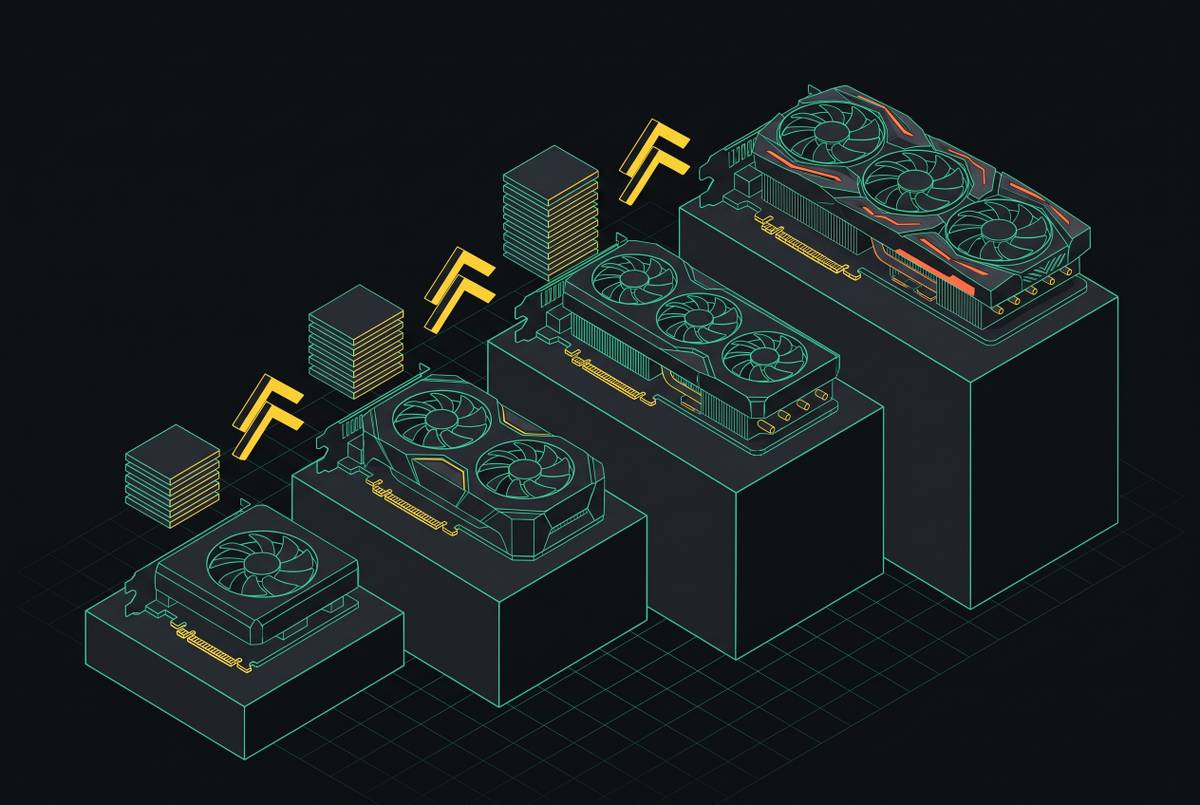
Integrated Graphics vs Discrete GPU for Entry-Level Builds
RAM speed and capacity determine whether an APU gaming build actually performs.
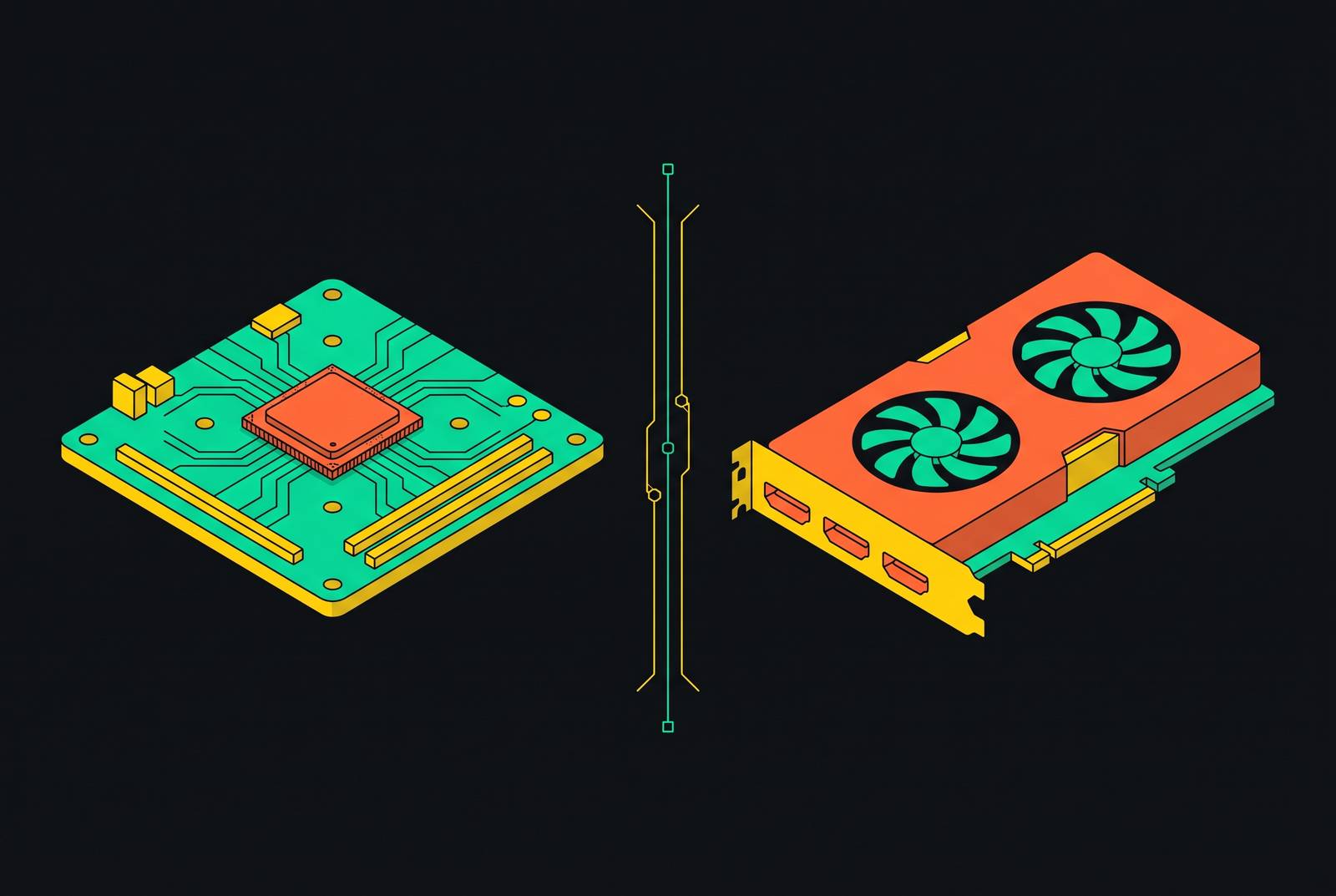
Choosing integrated graphics or a discrete GPU for an entry-level build now depends on the processor, workload, and upgrade plan. Build Core can help compare the complete systems before purchase, but the deciding principle is straightforward. An APU makes sense when its graphics meet the need within the build’s constraints, while a discrete GPU remains the stronger choice for gaming value and demanding creative work.
Why the iGPU vs dGPU question has a different shape in 2026 than it did three years ago
A few years ago, integrated graphics often meant display output and unplayable frame rates in demanding games rather than a credible alternative to a graphics card. In 2026, the best iGPUs can serve as capable 1080p gaming engines, with support for upscaling and frame generation. That change comes from gains in unified memory bandwidth, dedicated AI matrix cores, hardware-level ray tracing, and modern micro-architectures.
Most of those gains are in APUs built to give more resources to graphics, while mainstream gaming CPUs come with basic iGPUs. Build Core’s 3D configurator includes real-time FPS performance estimates through 3DMark integration, allowing builders to compare APU and RAM combinations before purchase. Those estimates help with planning, but testing the chosen parts with the intended workload still tells more than specifications alone.
Why not every CPU with integrated graphics is a candidate for skipping a GPU
A CPU can have an iGPU that is too slow to take the place of an entry-level card for gaming. Processor price and CPU performance do not settle that distinction. For a GPU-free gaming build, the relevant question is whether the chip was designed to carry the graphics workload.
The desktop shortlist includes the AMD Ryzen 7 8700G, Ryzen 5 8600G, and Ryzen 5 8500G. These are the APUs that put a socketed desktop build into the integrated-graphics discussion, though they do not offer equal performance. In laptops and mini-PCs, the Ryzen AI Max+ 395 with Radeon 8060S is much faster. That distinction separates two buying decisions, namely assembling a desktop around an APU and buying a system built around a higher-performance integrated platform. Treating those decisions as interchangeable is the first way an entry-level comparison goes wrong.
What the best desktop APUs actually deliver in gaming and creative work
Within the desktop shortlist, the Ryzen 7 8700G represents the stronger graphics option. The Ryzen 5 8600G steps down meaningfully in GPU performance but remains workable for esports and older titles at 1080p. The Ryzen 5 8500G is the lowest-cost functional entry point on AM5. These positions describe a useful range of choices, not three interchangeable routes to the same gaming experience. The lower-cost chips make sense only where their lower graphics ceiling still meets the workload.
For those workloads, an APU can provide useful gaming capability without a separate card. However, a 1080p target is not a promise of high settings across demanding games. Low presets, upscaling, and frame generation must remain part of the context whenever they contribute to a reported result. Light creative work also belongs in the iGPU discussion, but it should not be confused with sustained high-resolution editing or frequent demanding exports.
Meanwhile, AMD expanded its Ryzen AI Max family at CES 2026 with the Ryzen AI Max+ 392 and 388. AMD announced both with Radeon 8060S Series graphics and second-generation XDNA NPUs, bringing top-tier integrated performance to more form factors. That development broadens the iGPU market without changing what the desktop shortlist delivers. A result from the Ryzen AI Max family is not a performance estimate for an AM5 APU.
The hidden variable that determines whether an APU build performs or disappoints is RAM configuration
Once the processor is selected, RAM becomes part of the graphics decision. An iGPU borrows system memory instead of using dedicated VRAM, so memory speed and channel configuration directly limit how fast it can run. For AMD RDNA 3 APUs, DDR5-6000 to DDR5-6400 in dual-channel is the established sweet spot. Dropping below DDR5-5600 can meaningfully reduce gaming frame rates compared with an optimized configuration.
Capacity matters because the CPU and iGPU draw from the same pool. Modern games with substantial graphics-memory requirements make 32GB the practical floor for an APU gaming setup intended to avoid constraining both at once. When the complete configuration is priced in Build Core, compatibility checking and multi-retailer price comparison keep the APU and RAM decisions together. The relevant cost is the processor with the memory needed to support it. A cheaper RAM choice can reduce the very performance that justified omitting a GPU.
What discrete GPUs at entry-level budgets actually offer that iGPUs cannot match
For builders without form-factor constraints or a phased upgrade strategy, an entry-level discrete GPU still offers more raw gaming performance per dollar than the best desktop APU. Dedicated memory helps explain the structural advantage. A desktop iGPU shares dual-channel system RAM, while a mid-range discrete card has several times as much memory bandwidth. A high-end card widens the gap further. High-bandwidth LPDDR5X systems narrow that difference in the mini-PC tier, but they do not remove the bandwidth constraint from an assembled desktop APU build.
Creative work gives the discrete GPU case a different basis. NVIDIA’s CUDA ecosystem remains the standard for Premiere Pro and After Effects GPU acceleration, while NVENC hardware encoding accelerates H.264, H.265, and AV1 exports. Serious high-resolution work in DaVinci Resolve also has VRAM requirements beyond what an iGPU configuration can provide from shared memory. For these workloads, the card is not merely buying a higher frame rate. It provides acceleration and memory resources that directly serve the work.
Resolution supplies another clear dividing line. For a builder targeting 1440p, the B580 at $250 with 12GB is the entry point described by this comparison, while the RX 9060 XT 16GB extends the option further up the budget. Those cards address a different target from light 1080p gaming on an APU. Their advantages identify the situations in which paying for a separate GPU buys a proportionate benefit.
The objection worth taking seriously is that iGPU gains are more limited on the desktop than the headlines suggest
The strongest objection to the iGPU narrative is that its most striking results often come from systems a desktop builder cannot reproduce with socketed parts. The Ryzen AI Max+ 395 uses soldered, high-bandwidth LPDDR5X, rather than the memory arrangement of an AM5 desktop APU. An 8700G build cannot be expected to match its performance just because both use integrated graphics. The platform distinction matters as much as the graphics architecture.
That limitation sharpens the case for integrated graphics in constrained form factors, phased budgets, and builds whose priority is not gaming. Conversely, a builder who can afford and fit a B580 will get more gaming performance for the money. It therefore helps to compare whole systems that meet the same need.
A use-case framework for deciding which path fits which builder
For a small-form-factor build, mini-PC, or HTPC, integrated graphics are the clearer fit when a discrete card is physically impractical. Power draw can reinforce that choice, and a full 8700G system can idle around 30W. In this situation, fitting the intended space and power envelope takes precedence over maximizing graphics throughput. The APU is not a compromise against an unconstrained tower. It is a way to meet a different system requirement.
For office productivity, high-resolution video playback, esports, and light 1080p gaming, an APU-first build can also be the complete solution. The deciding condition is that the selected processor’s graphics actually cover those tasks. Where they do, a discrete card adds cost without a proportional benefit. Where demanding gaming becomes the primary purpose, however, the balance changes toward the discrete path.
For a constrained budget with a GPU purchase planned later, an AM5 build around the 8700G offers a phased route. That route requires the case, PSU, and motherboard to support the eventual card from the outset. Builders should verify PCIe slot availability and power header support before treating upgrade flexibility as guaranteed. The 8700G’s reduced PCIe lane configuration for the discrete GPU slot is adequate for most mid-range cards but can constrain a high-end future upgrade. An upgrade path is useful only when the planned destination fits it.
For gaming performance per dollar now, a cheaper non-APU CPU with an entry-level discrete GPU is the better choice. A conventional ATX or mid-tower case with a standard PSU removes the physical argument for leaving the card out. A primary 1440p target strengthens the discrete case further. A discrete GPU is also a better fit for sustained video editing, high-resolution timelines, and frequent exports, though the software acceleration and VRAM needed for that work matter as much as gaming performance.
Before committing to the APU route, price the APU, AM5 motherboard, and DDR5-6000+ dual-channel memory together, ideally with 32GB. Then compare that total with a cheaper non-APU CPU plus an entry-level discrete GPU. This is the cost comparison that keeps convenience separate from value. Integrated graphics can simplify a build, but that does not make them the better performance-per-dollar choice at every price point.
What community hardware data shows about where most builders actually land
The Steam Hardware Survey shows that the installed gaming base remains predominantly discrete even as integrated graphics become more capable. As of September 2026, NVIDIA holds the overwhelming majority of PC GPU share on Steam, while AMD holds a meaningful minority. Intel now has a sizable share, largely from Arc B-series and iGPU reporting, after entering discrete consumer GPUs in 2022. That distribution provides context for the decision.
The survey’s average gaming rig still renders at 1080p and carries 16GB of system RAM. The 32GB recommendation for APU gaming therefore represents a meaningful memory-cost expectation rather than an assumption about what most builders already buy. BuildCores’ monthly hardware survey also shows what its builders choose.
How to plan and visualize either build before buying a single component
In BuildCores, builders can configure an APU with a compatible AM5 board and DDR5-6000 dual-channel RAM, then compare a discrete GPU configuration with multi-retailer pricing. Its library includes the Ryzen 7 8700G, Ryzen 5 8600G, Arc B580, and RX 9060 XT. The 3D view shows case volume and GPU clearance, while compatibility checks flag the PCIe lane configuration and power header requirements. That brings future-card fit and PSU constraints into the decision before components arrive.
Frame rates, encoding speed, power draw, and total system cost are the useful comparison points, with configurator estimates supporting workload testing. The purpose is to establish which system meets the intended use now and leaves the required room for later changes. Planning is part of the build because the graphics choice becomes clearer when the whole system is visible, not just the processor or GPU price.