ARGB Fans Worth Adding to a Current Build
ARGB fans make sense when prices match plain models and you need replacements anyway.
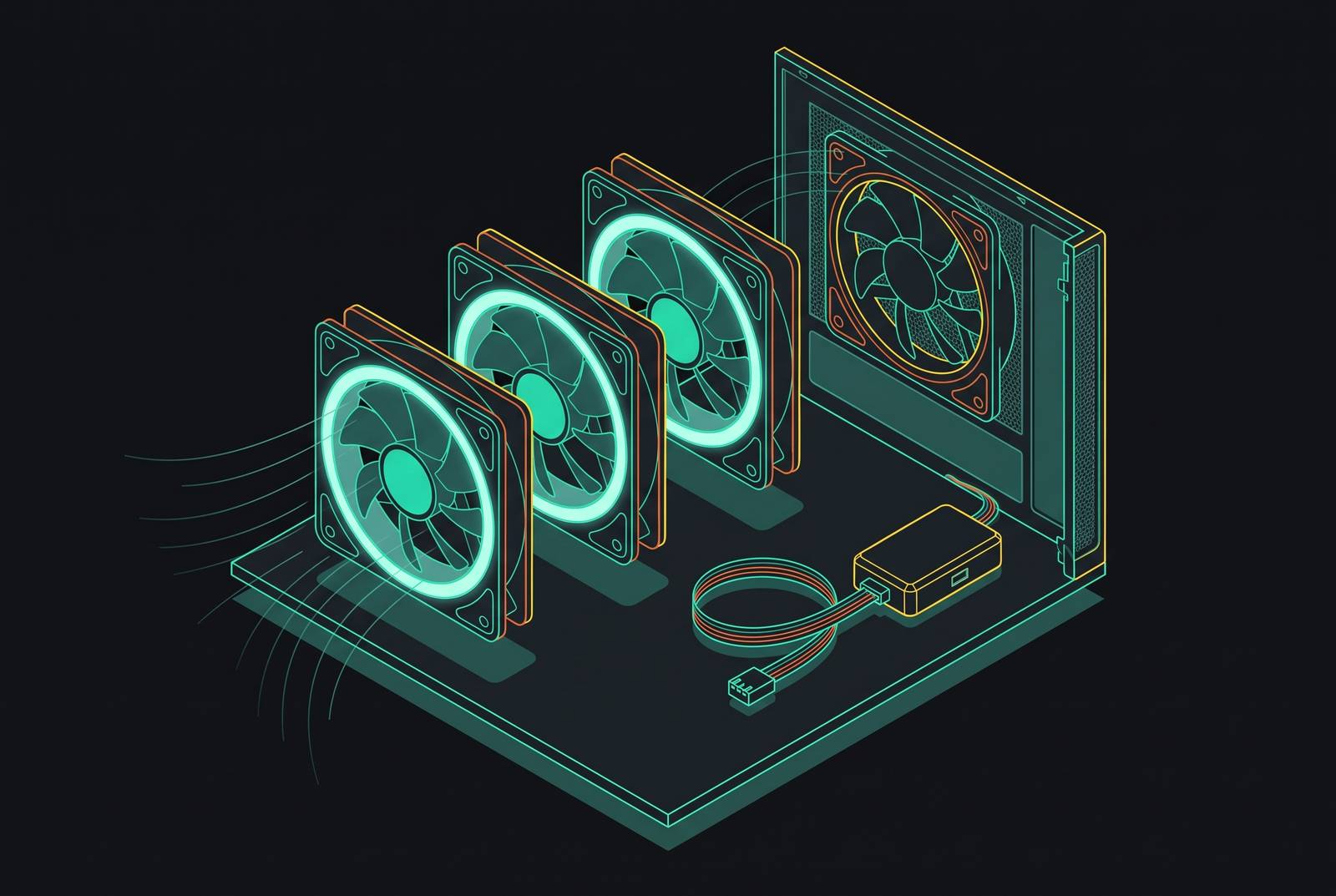
ARGB fans make sense for a current build when the case has tempered glass, the fans need replacing or supplementing anyway, and the ARGB options match the price and engineering of the plain fans you would otherwise buy. Under those conditions, lighting is a free extra on a necessary purchase.
Why ARGB fans have a reputation for being a pure vanity purchase — and why that reputation is now partly wrong
Paying extra for lights that do nothing for cooling is a fair objection. So is refusing a fan that sacrifices airflow to make room in its budget for LEDs. Those concerns gave ARGB fans their reputation as a vanity purchase, and both are fair reasons to pass on them. A substantial minority of builders avoids RGB entirely, while another segment uses it sparingly. Not everyone wants a glowing PC on the desk.
But that objection carries less weight when it treats all fans with lights as the same purchase. At the budget tier, both the price premium and the engineering compromise have eroded. That changes the comparison. A builder replacing a worn fan can now choose one with lighting without having to give up cooling or pay more.
Choosing ARGB during a necessary fan purchase can cost less than buying plain fans now and replacing them for looks later. That holds for a build whose fans are in view and whose owner wants lighting. It offers nothing to someone who prefers a dark case, and it does not make working fans obsolete.
The one hardware change that made the price objection collapse
Fluid dynamic bearings have become cheaper to manufacture as the technology has become commonplace. At the same time, adding ARGB LEDs at board level costs little in volume. Together, those changes have largely closed the old price gap at the budget 120mm and 140mm tier. Lighting no longer automatically consumes the engineering budget.
The Thermalright TL-C12W-S V3 X3 illustrates the low entry price at approximately $4.63 per fan. The Phanteks M25-140 Gen2 illustrates the airflow available, delivering 101.78 CFM at a competitive per-fan price with an FDB bearing rated for a long service life. Both have lighting, proper bearings, and optimized blade profiles. Even so, some cheap fans with lights may be poorly made.
The economic claim is narrower than that. When a plain fan and an ARGB fan cost the same and offer equivalent engineering, the LEDs stop being a paid upgrade. The choice becomes aesthetic.
What ARGB fans actually do and don't change about thermals
Addressable LEDs add no cooling benefit, and their heat output is negligible. Their small power draw is also insignificant for the thermal and electricity decision here. Lighting does not make blade geometry or bearing quality any better. Nor does it inherently make either worse.
A well-engineered ARGB fan performs like a well-engineered plain fan with equivalent specifications. A poor fan is still poor with the lights off. Some manufacturers can still spend less on blade or motor engineering to cover LED costs, creating product-quality differences between fans that cost the same.
Replacing stock fans that are old or fall short of the build's needs with better aftermarket models can therefore improve cooling and add lighting. The thermal gain comes from the fan engineering. The LEDs simply arrive with it, and judging those two benefits separately prevents a cosmetic feature from getting credit for airflow it did not produce.
The three-condition framework — when adding ARGB fans genuinely costs nothing extra
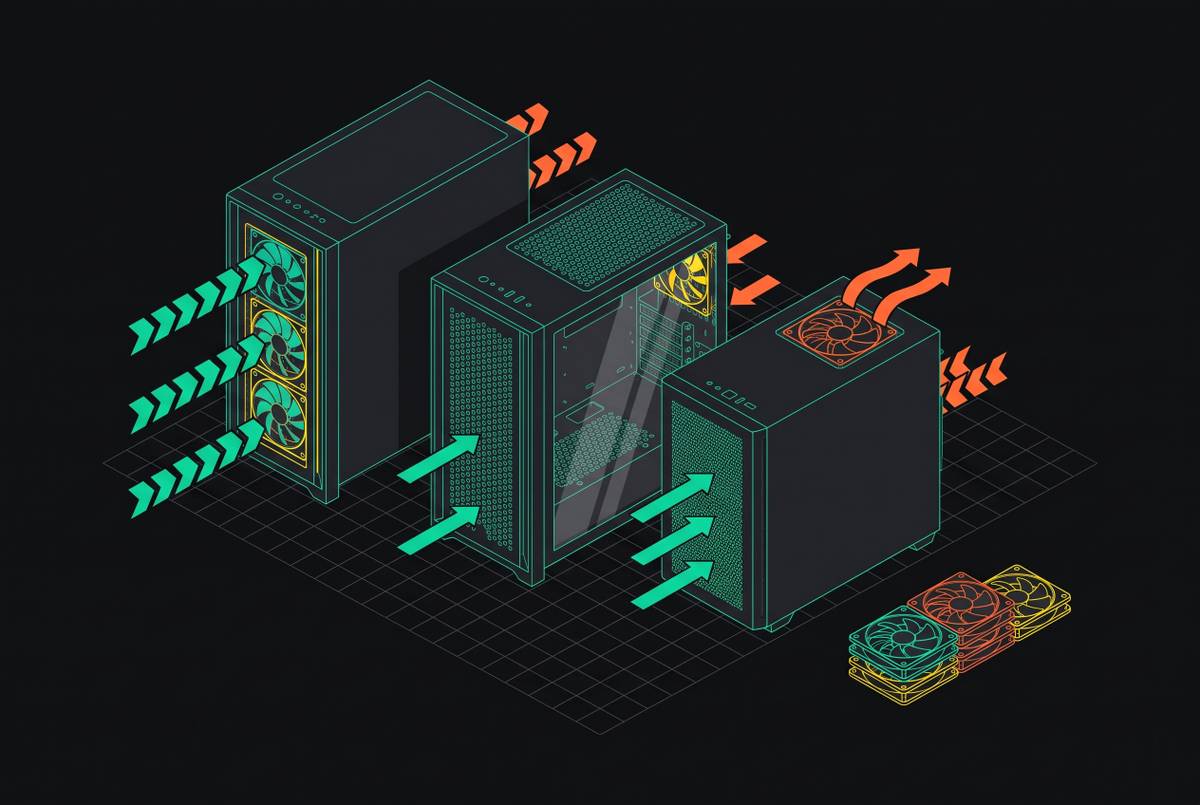
The first condition is a tempered glass panel with a clear view of the fans. Visibility is the gatekeeper for the aesthetic return. A solid-panel case keeps the upgrade inside, and a solid or mesh-only case with no planned case swap fails this framework. Even with glass, the intended fan positions need to be visible for their lighting to earn its place.
The second condition is a genuine need to replace fans or add missing ones. Bearing noise, wobble, or inadequate airflow after a GPU or CPU upgrade can supply that reason. Fans without PWM control that run at high speed all the time can also be worth replacing. Sleeve bearings strengthen the case because they are the cheapest, least durable type and become noisier as they degrade. Working fans that already cool the build adequately do not qualify merely because they lack lights.
Empty mounts can qualify without any fan failing. A case may ship with only two fans while the build needs five or six for adequate positive pressure. Filling that shortfall is a cooling purchase first. Choosing ARGB for those needed positions is different from discarding a complete, capable set for its appearance.
The third condition is getting as much for your money as with the plain fan you would actually buy. Compare price, CFM for airflow, dB for noise, bearing type, and RPM range. PWM support belongs in that comparison too. When price and engineering match, the lighting adds no fan-price premium. If only one or two conditions apply, the recommendation is to wait, because either the visible benefit, the replacement need, or the no-extra-cost argument is missing.
Will ARGB fans work with your motherboard and case?
Before ordering, locate the motherboard's lighting headers and identify their type. ARGB uses 5V 3-pin connections, while analog RGB uses 12V 4-pin connections. Connecting them incorrectly risks irreversible hardware damage, so the shared word “RGB” is not enough to establish compatibility.
The next check is the header's current limit. Running more than three or four fans from one header can exceed it, depending on that limit. For five or six ARGB fans, a separately powered ARGB hub distributes power and signal without placing that power load on the motherboard header. A hub is also the route for a board without an ARGB header, though its lighting-control provision needs to suit that setup. Count the cost of any hub you need when checking whether the upgrade really costs nothing extra.
Standard 5V 3-pin ARGB fans connect to compatible headers regardless of brand, but Corsair iCUE, ASUS AURA, and MSI Mystic Light do not natively communicate with one another. Mixed-brand builds may need another control layer. OpenRGB is free and open-source, while SignalRGB is freemium, and both can control multiple brands through one interface.
Finally, check which fan diameter fits at each spot where a fan will go. Before choosing a model for its airflow figure or appearance, check whether the mount accommodates a 140mm fan or is 120mm-only. A suitable lighting connector cannot make an unsuitable frame fit the case.
Three product tiers that illustrate the trade-offs — budget, mid-range, and premium ARGB fans
The budget example is the Thermalright model at approximately $4.63 per fan. Its low price helps most when a build needs fans for empty mounts and the owner wants to avoid a costly redesign. Proper FDB bearings and optimized blades support that role. The low price is a starting point for the specification comparison. Its fit still depends on the plain alternative and the case's needs.
The mid-range example, the Corsair RS120 ARGB, lists 72.8 CFM, 2100 RPM, 36 dB, and eight LEDs per fan. Its daisy-chain design adds cable-management convenience to the airflow proposition. That makes it a fit for replacing underperforming stock fans in a mid-range gaming build.
Corsair's RS II and RS II ARGB launched on September 17, 2026, adding the unified RS360 II triple-fan frame configuration absent from the original lineup. Within each size of the second-generation family, the plain and ARGB versions have identical specifications apart from RGB LEDs, the connection cable, and colorways. Airflow, speed range, bearing, and warranty match. That is a direct manufacturer-level example of lighting without an engineering downgrade, although matching engineering does not by itself establish matching retail prices.
The premium example, the Lian Li UNI Fan SL-Infinity 120, delivers 61.3 CFM at 29 dB with a 2100 RPM maximum and an FDB bearing. Its start/stop mode halts the fan when temperatures fall below the threshold. Raw airflow is lower than the RS120's, despite a significantly higher price. The premium instead buys acoustics, an infinity mirror effect, and long-term bearing durability. It suits showcase builds where the fans are a visual centerpiece and noise takes priority over peak throughput.
How 2026 hardware and design trends shift the aesthetic return on ARGB fans
Hidden-connector, BTF-style motherboards route power and data connectors to the back of the board, reducing visible wiring in the main chamber. Full elimination also requires a compatible BTF GPU. With fewer cables in view, fans with lights stand out more behind tempered glass. Their cooling ability has not changed.
Fan connection designs reduce the installation penalty as well. Frame-contact daisy-chain designs share power and RGB signals, reducing the cabling for three or four fans from individual power and RGB cable pairs to one shared pair. The RS360 II takes this further with three fans in one housing and single-cable installation. At the mid-range tier and above, these approaches have substantially reduced the wiring burden once associated with ARGB.
The other change is how builders use the lights. Community trends in 2026 favor “whiteout” builds with all-white components and ARGB set to clean white, and manufacturers have responded with dedicated white product lines and lighting profiles. Controlled single colors and restrained dual-tone palettes also age better than full-rainbow effects. ARGB does not have to mean rainbow cycling. For builders who want lighting, these trends offer a more restrained visual payoff, without changing the preference of those who want none at all.
Running the framework on your own build before buying a single fan
A fifteen-minute audit before purchase starts with the case and the cooling need. Check whether the glass gives a clear view of the planned fan positions. Then identify the functional reason for spending, whether that is bearing wear, inadequate airflow, poor speed control, or an insufficient fan count. If you do not need to replace fans or add airflow, stop there. A good-looking product is not evidence that the current cooling needs work.
If the build passes those checks, compare the ARGB candidates with the plain fans at the target price. Use airflow, noise, bearing type, speed range, and PWM support to judge equivalence. Then check the motherboard's 5V 3-pin headers, their supported load, and whether a powered hub is required. Check the diameter at every mount and decide whether the lights need a tool that works across brands.
Visualizing the result in 3D can then answer the question a specification sheet cannot. Placing fan models in the case shows the visual weight of the lighting against the rest of the build, especially with a static white or single accent color. It separates a fan that looks appealing on its own from one that suits the intended arrangement.
The decision remains conditional, even after the preview looks good. ARGB earns its place when visible lighting comes with fans the build needs, at the price and performance of the plain alternative. If those conditions do not align, waiting is the right result. The same framework will still be useful when a fan fails or the case changes.