PC Part Price Trackers That Show Multi-Retailer History Inside the Build Interface
Multi-retailer price history is most useful when it sits inside the build interface, next to the cost of the whole PC. A chart can show whether a part is cheap. Keeping that chart in the build lets a buyer judge whether the price, timing, and component choice work together, rather than treating a sale badge as a reason to spend.
Why price history without build context fails builders
A GPU has a sale badge, but is it actually on sale? The retailer page shows the price, but the component list is elsewhere and the price history chart takes another search to find. Each view answers only part of the question. The builder has to connect them before deciding whether the offer is good and whether it fits the budget.
That split creates a predictable failure in the research process. A builder can check the retailer’s price, skip the history, and treat the displayed number as normal. Even someone who finds a historical low still has to return to the build to judge its effect on the running total. The friction is not just wasted clicking. It separates the evidence for a purchase from the plan that purchase has to serve.
PCPriceWatch is built on the premise that a snapshot price is not enough. What each retailer charged over time gives the current offer meaning.
How large the gap between displayed price and actual market price can be
Sellers can anchor high and copy one another’s asking prices, while completed transactions clear far lower. The gap can substantially distort a build budget. eBay’s default view displays asking prices rather than completed sales, so the most visible number is not necessarily the one that describes what buyers pay.
New hardware has a parallel problem, but timing is the source of the distortion. The price of the same card can change a lot over a few months, so an offer that looks fair may be high compared with its past prices. A sale badge cannot resolve that uncertainty. Retail history from Amazon and Newegg helps answer this question for new parts, and eBay sold-listing data does the same for used parts. Treating those records as interchangeable gives the wrong basis for comparison.
As of late 2026, GPU prices remain uneven, while NAND and DRAM prices are climbing as AI infrastructure absorbs supply. That pressure makes historical context more consequential for the whole component list, including the graphics card. Structural differences across markets, retailers, and timing can distort prices even outside occasional misleading promotions, so a useful tracker needs to distinguish them.
What a price tracker needs to do to be genuinely useful
For used hardware, completed sales provide a firmer market reference than active listings, which show what sellers hope to receive. For new parts, enough history is needed to distinguish a genuine discount from an ordinary price with a promotional label. Multi-retailer coverage should reflect the fact that one build can draw parts from several stores rather than force the same research into separate store-specific tools.
The update interval needs to suit the buying decision, because broad trends and fast-moving deals do not demand the same cadence. Used-market filtering needs to remove laptops, broken parts-only units, and irrelevant listings that would pollute a component’s price signal. Regional detail needs to reflect the buyer’s market, since a global average may have little connection to what that buyer can actually pay.
What the standalone price trackers actually cover, and where each stops
PCTechSniper covers new and used parts from Amazon, Best Buy, Newegg, and Walmart. It refreshes the first three every 5 minutes, while Walmart updates every 25 minutes because of API rate limits. Its scam protection uses AI and checks by people, and the community sends nonautomated deal alerts through Discord. It also includes a build tool for assembling a parts list. Price history and build planning remain separate views, however, so assembling the list does not close the research loop.
pcprice.watch focuses on used hardware, with sold-listing history from 7 eBay markets covering the US, GB, DE, FR, ES, IT, and PL. An ML classifier removes listings that do not belong, and a location picker lets buyers choose from more than 100 countries and see estimated shipping. Its catalog contains 40+ tracked items across GPU, CPU, RAM, and motherboard families. There is no dedicated new-retail price tracker here. Its build interface does offer compatibility checking and live eBay pricing next to retail reference prices, but that is distinct from putting sold-price history into the build decision itself.
HardwareRK takes a slower, trend-focused approach to CPUs and GPUs. Its coverage spans 9 countries, including the US, Japan, Germany, Taiwan, Korea, France, Spain, Brazil, and China. The history includes MSRP reference lines and all-time lows, with updates on the 1st and 15th of each month. That cadence suits reading trends better than catching a specific purchase window. It provides a different kind of evidence from a tracker built around frequent refreshes.
PickPCParts is built for buyers in India. It tracks live prices from 65 Indian retailers and has compatibility checks, multi-retailer pricing, wattage tools, and price history. Local coverage is the point of that scope. A global comparison is less useful when its stores do not match the builder’s actual purchase options.
These tools solve different problems on their own merits. Some also provide build features, so the distinction is not simply between having a parts list and lacking one. The builder still has to find the part’s history in a separate view, form a judgment, and bring that judgment back to the component list.
Why closing the loop inside the build interface changes the decision-making experience
A historically low GPU price and an affordable PC are not the same result. The first is a statement about one component’s past. The second depends on the prices of the other parts being bought with it. With history next to the running build total, the buyer can check both at once and see whether even a good offer leaves the build over budget before returning to the list.
Price, stock, shipping, and promos need to be visible together so that an apparent price difference can be judged after shipping is included. Keeping those details in the part view removes a reason to reopen each store simply to establish the terms of the comparison.
Sales pages become more useful when history supplies the test for their claims. A current price below the historical norm supports a discount claim, while an unchanged price under a new sale badge does not. The badge is not the evidence. Supported part pages with history views let a builder inspect recent movement while the build pages keep the full cost visible through component swaps.
What the 3D build interface adds beyond price — and why it matters for the same decision
A part can be well priced and still be wrong for the build. It may not fit the case, may conflict with the intended look, or may complicate the fan and radiator layout. Price alone cannot settle those questions. A 3D environment gives the buyer another layer of validation before committing to the same component whose price is under review.
Case comparison shows why this belongs in the purchase process. Side-by-side dimensions and footprints give scale to a chassis choice, while GPU and cooler clearance put the proposed parts into that space. “330mm GPU clearance” is a specification. Seeing a specific GPU in the context of a specific case makes that specification concrete, so a cheap component is not judged apart from the enclosure it must fit.
Airflow visualization addresses layout rather than price, but it can still change which parts belong on the list. Seeing which way fans face, the intake and exhaust direction, where the radiator sits, and airflow arrows helps a beginner understand how the parts are laid out. This is a visual airflow and layout planner. It is not a physics simulation, and its value should not be confused with a simulated prediction of cooling performance. It makes the layout easier to assess without claiming to solve the physics.
A preview of lighting zones, SignalRGB effects, colors, and brightness shows more of how the parts will look together than a product photo on its own. Getting the intended effect depends on how the case is set up. A part that looks right by itself may not create the result the buyer expects once it sits with the other components, giving the builder another reason to reconsider a purchase before spending.
The full desk setup 3D configurator, released June 2026, lets the buyer see how things look beyond the PC. It covers desks, monitors, keyboards, mice, chairs, and more across 10+ categories and 200+ setup parts. That wider view helps buyers plan the look of the whole desk setup. Within the PC itself, the pricing connection remains direct, because fit, airflow layout, and lighting can each prompt a part swap. Each swap should immediately update the running cost and price-history context, so the visual plan and the financial plan remain attached to the same build.
How to use price history inside a build to time a purchase rather than just record it
To turn that combined view into a buying decision, start with a target total for the build. Then read component price movements against that target to judge whether a drop is a reason to buy. A cheaper GPU can be offset by more expensive RAM. The integrated total shows whether the configuration is moving toward the budget or merely shifting the cost from one component to another.
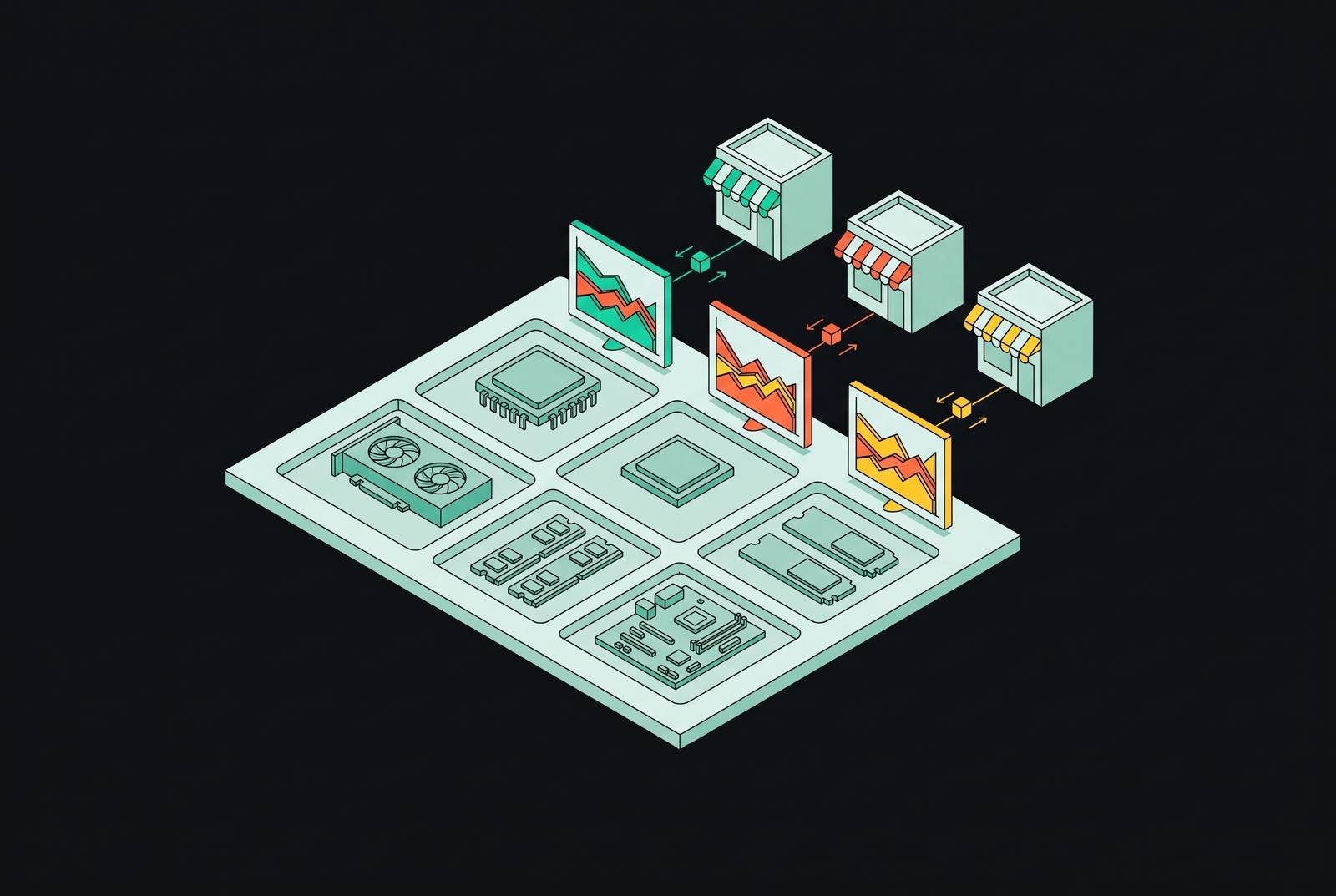
For a new retail part, compare the current offer with that same retailer’s history while keeping the full build cost in view. PCPriceWatch structures history by retailer, making that comparison direct. A price that has held steady for months is not a sale simply because a banner says otherwise.
For a used part, check what it sold for when weighing what sellers are asking. Sold-listing data is the relevant reference for what buyers have actually paid. Keep that distinction visible when weighing a used component against a new one in the build. A high active listing is not proof of used-market value, just as a retail reference price is not a substitute for sold-price history.
For SSDs and DRAM, also compare the current price with historical lows alongside prices from recent weeks. AI infrastructure demand puts pressure on these components outside the normal product-launch cycle. A stable-looking stretch may be the early stage of a climb. Across the whole build, that possible climb means waiting for one part to get cheaper carries the risk that another will cost more.
Deal alerts can bring a candidate purchase back into view, but they should not make the decision. PCTechSniper’s Discord deal pings flag an opportunity to examine. The build interface supplies the next check, which is whether that offer works with the chosen configuration, the other current prices, and the target total. A builder who completes those checks inside the build is choosing a purchase for a plan.