Buying Previous Generation PC Parts for Budget Builds
Skip used parts with weak savings and known failure risks; focus on GPUs and CPUs instead.
Buying previous-generation PC parts for a budget build works best when the savings are selective. Older GPUs and CPUs can deliver the gaming performance you need for less, while a cheap platform can limit later upgrades and a used power supply can put the whole build at risk. Judge a part by what its lower price actually buys you.
Why 2026 is an unusually good time to reconsider last-gen parts
A capable 1080p gaming PC built entirely from new parts costs $650–750 in 2026, following a sharp rise in a short period. Used and previous-generation parts have their own market, where prices are less directly affected by the memory shortage that is driving up the cost of new builds. The gap creates room for savings that would be harder to find by choosing only cheaper versions of current parts.
Some older parts still do what a gaming build needs, while others cost too much because buyers already know which ones are worth having. A low price now can also hide the cost of having to replace the motherboard and memory sooner.
How to think about previous-gen parts before looking at any specific component
Three questions separate a bargain from a deferred expense. How much useful performance are you giving up. How much room for later upgrades are you losing. And has the market actually discounted the part.
Start with the performance target, whether that is 1080p/60fps, 1080p/144fps, or 1440p/60fps. A previous-gen part that clears your target is not a compromise simply because something newer exists. Platform life needs a different calculation. A cheaper socket with no future CPU options may force you to pay for a full platform swap sooner, so the money saved now needs to make that limit worth accepting. Finally, a used part that costs close to its original suggested retail price offers little of the savings that make it worth buying used.
GPU: where the biggest savings are and where the used market has already closed the gap
The GPU is the strongest candidate for previous-generation savings in a budget gaming build. It is also where the deal needs the closest scrutiny. Used GPU savings of 25–40% against retail pricing can make an older card attractive, but that discount has to compensate for its condition and weaker buyer protection.
A new RX 7600 with a warranty makes a strong case against a used RTX 3060 with no recourse if it fails. The warranty is part of the value. A used card becomes more convincing when the saving is substantial and the seller offers a return policy. The practical approach is to buy from sellers with those protections and ask for timestamped benchmark screenshots to support the low-price offer.
That distinction is especially important with Ada Lovelace, the RTX 40-series. Rising used prices have narrowed the buying window, and cards offered near their suggested retail price do not provide the discount this strategy depends on. Skip those listings.
Avoid cards with less than 8GB VRAM, because the least memory worth buying is rising even when an older GPU can still run the games you want to play. An 8GB model remains defensible for 1080p, but it should be priced as an entry-level choice with limited long-term headroom.
RAM and platform: why the DDR4 vs DDR5 decision is more consequential than it appears
Unlike the GPU, RAM cannot be priced as an isolated choice. Choosing DDR4 or DDR5 also shapes the motherboard, CPU socket, and future upgrade options. AI-driven memory demand has elevated DDR5 prices, while a 32GB DDR4 kit costs meaningfully less than a 32GB DDR5 kit at current listings. Nearly all of the total platform price difference between AM4 and AM5 traces back to that memory gap.
AM4 also has a supported present alongside its stockpile of old parts. AMD has kept the platform alive with the Ryzen 5 5500F. Gigabyte released four new AM4 boards in January 2026, including two A520 and two B550 models. MSI has also released multiple B550 microATX boards, including the PRO B550M-B, B550M-A PRO, PRO B550M-P, and PRO B550M WIFI6E. New products make an AM4 build practical without turning it into a growth platform.
Intel’s LGA1700 occupies a middle position for DDR4 buyers. It has been extended twice, with a third round of new-in-box chips rumored for 2027, giving it a longer-runway position than AM4. The rumor is not a guarantee. DDR4 may also save less as manufacturers make less of it to focus on DDR5 and HBM for AI. A plan to buy little memory now and add more later could therefore cost more than expected.
AM4 tops out at PCIe 4.0 on 500-series chipsets, while older AM4 chipsets use PCIe 3.0. The real-world gaming difference between PCIe 5.0 and PCIe 3.0 is roughly one to four percent, making that limitation less pressing than the platform’s CPU upgrade limit. For a from-scratch 1080p build, AM4 offers meaningful savings as an affordable endpoint.
CPU: the safest place to go used, with one important ceiling
A used CPU is among the lower-risk secondhand purchases in a PC build. CPUs rarely fail from normal use, while GPUs can suffer from heat or mining abuse and power supplies face electrical stress. A processor’s working condition is comparatively straightforward to establish, making used CPUs a reasonable place to look for savings once the platform decision is settled.
Desirability can still erase the discount. The Ryzen 7 5800X3D and 5700X3D have become so sought-after that reseller prices require particular scrutiny. One builder wrote about turning down a four-year-old processor because of its steep price and choosing a Ryzen 7 5800XT from Micro Center instead. That example warns that even a respected older CPU can be a poor purchase at the wrong asking price.
For AM4, the lesson is to buy the CPU you want to keep rather than a placeholder for an expected future generation. Its upgrade path ends with chips already on the market. There may be a faster existing processor than the one you choose, but there is no new generation waiting beyond it. The savings work when that limit fits the plan.
The components where buying used or previous-gen rarely makes sense
Never buy a used power supply for this budget strategy. A failing PSU can damage the GPU, CPU, and motherboard in a single event, so the possible loss extends well beyond the part’s purchase price. Budget for a known brand with an 80+ rating. However, that rating measures efficiency alone, and even at a higher efficiency tier, a well-built unit is worth the last saving.
Motherboards call for a less absolute version of that rule. Buy new, but spend less. A B650 or B760 board on a current platform offers warranty coverage, known BIOS maturity, and compatibility with current CPUs. Older used boards can introduce firmware work that is manageable but awkward for a first-time builder. One documented case required renaming a firmware file before the board would accept it, illustrating how a cheap board can add friction even without being faulty.
A new 1TB PCIe Gen4 NVMe SSD often goes on sale at a low price, while a used SSD has unknown wear cycles and no easy way to check its condition. For a new build, skip SATA SSDs. They offer no meaningful advantage in this comparison, so new NVMe storage is the cleaner choice.
RAM is also usually better bought new unless you have a specific DDR4 surplus available. Used memory is straightforward to test with memtest, but savings against currently available, warranted DDR4 kits are slim. Cases and coolers need a different lens altogether. Recency is not the useful measure here, and a case has no generational performance curve. Choose the enclosure based on its airflow, how well it fits, and its price.
What real builders are actually running, and what that tells you about floor and ceiling
Previous-generation hardware is the norm among active PC gamers. But even older parts that many people still use can be a poor buy.
Valve’s Steam Hardware Survey showed 16GB VRAM GPUs overtaking 8GB for the first time in July 2026 and extending that lead in August. The same survey’s system-memory data recently crossed another milestone, with 32GB becoming the most common configuration after a notable jump in a single month. These buying signals show where common capacities are moving without establishing how a particular game will run.
For a buyer today, 8GB VRAM is the minimum, with no room to spare. There is more room to choose with system RAM, since 16GB still works for a budget build even as 32GB becomes more common. Buying at the floor can be sensible, provided the price reflects it and the build is aimed at today’s needs.
Putting it together: a sample previous-gen budget build and where to visualize it before buying
A $668 example using January 2026 pricing pairs an AMD Ryzen 5 5500 with an Intel Arc B570 with 10GB VRAM. The rest of the build uses an ASRock B550M-HDV motherboard, KingBank DDR4-3200 memory, and a Crucial P310 1TB PCIe Gen4 NVMe SSD. Power comes from a Lian Li RB 550W 80+ Bronze PSU, housed in a BitFenix NOVA MESH SE TG ARGB case. This mixed-generation build targets playable 1080p performance in modern games at medium settings.
A slightly lower-cost example uses the same Ryzen 5 5500 with an MSI B450M PRO-VDH MAX and an AMD RX 6600 8GB. It includes 16GB DDR4-3200, a 500GB NVMe Gen3 SSD, a 550W 80+ Bronze PSU, and a Cooler Master Q300L case. The compromises are visible in memory capacity and storage. Its GPU memory is also right at the minimum discussed above, with no room to spare.
Both examples leave the GPU open to later replacement, but neither escapes AM4’s platform endpoint. Compatibility also needs attention before purchase. Older AM4 motherboards may need a BIOS update to recognize a Ryzen 5000-series CPU, and some require an older CPU to perform that update. A new AM5 build avoids that specific problem, though it brings the higher platform cost back into the calculation.
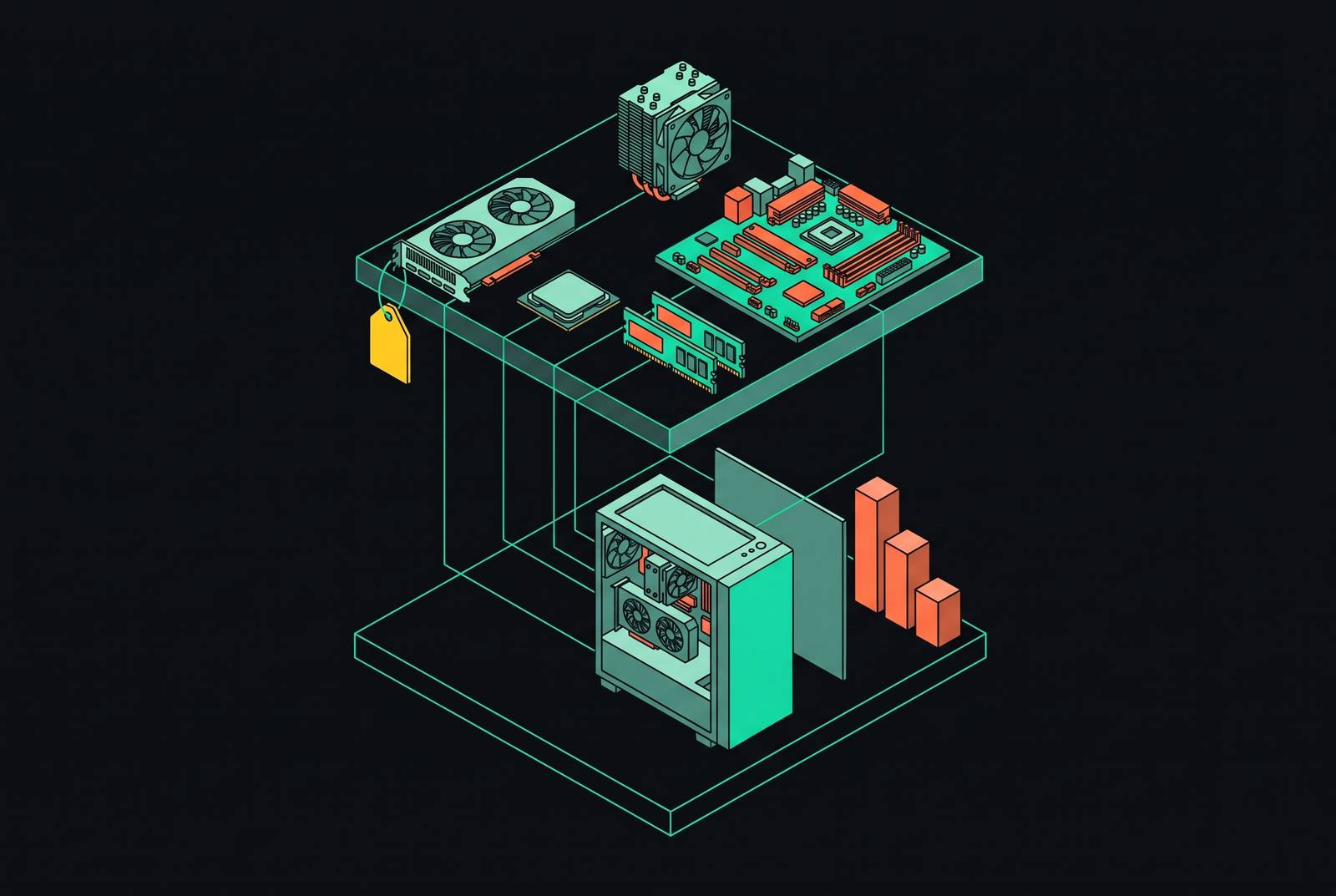
To lower those risks before buying, use a 3D visualization tool to check how the parts fit and look, along with real-time compatibility checking. The visual model serves a different purpose from the compatibility check, so neither should stand in for the other. Built-in multi-retailer price comparison also makes it possible to check prices while planning the parts, especially when buying a mix of new and used parts from different sellers. The last step is to check that the whole machine still saves the money that made its older parts worth buying in the first place.