When to Pull the Trigger on a PC Build vs Waiting for New Parts
Buy memory and storage now, but wait on CPUs since prices remain stable.
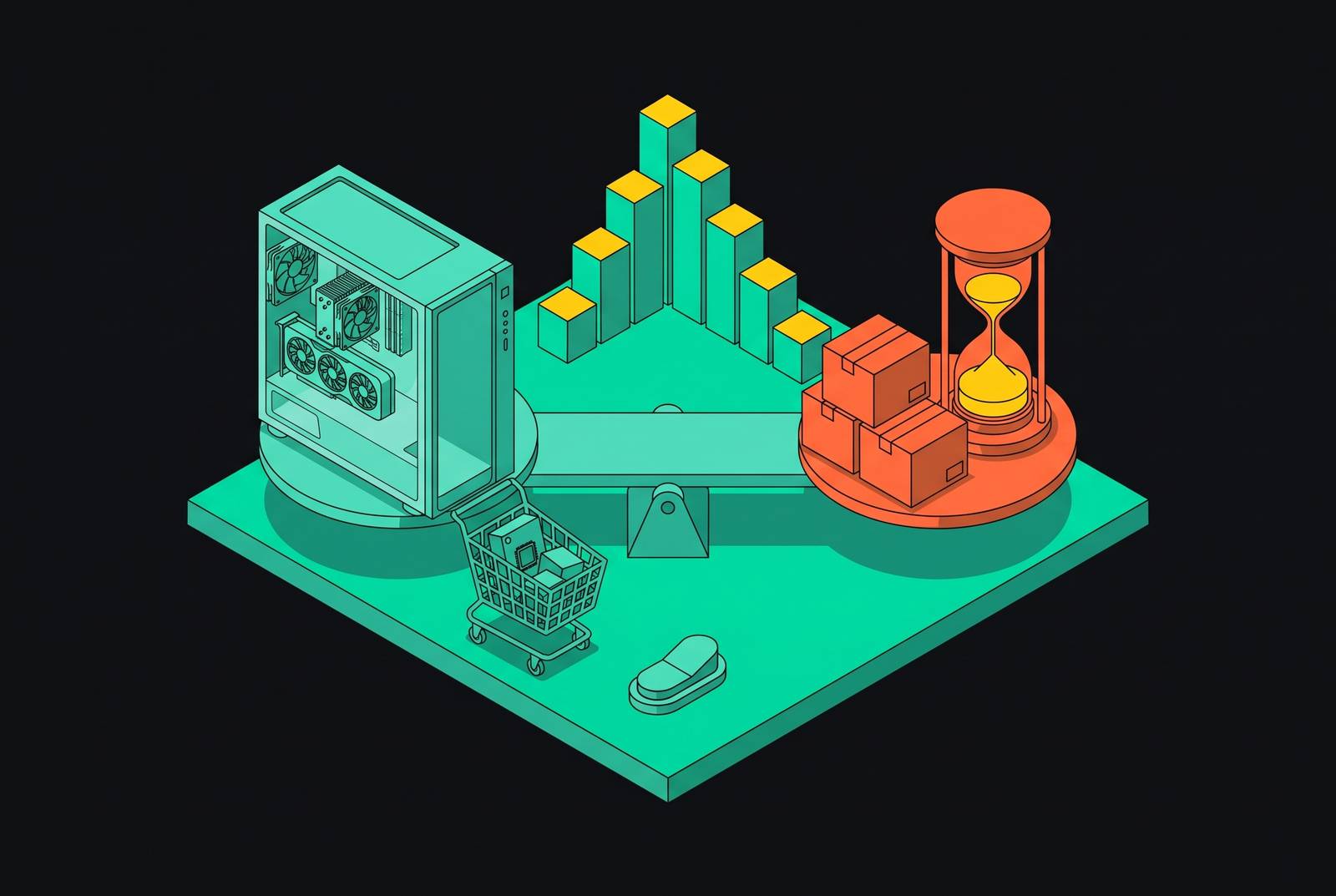
Deciding when to build a PC in 2026 means deciding when to buy each part. Memory calls for action, storage has a narrowing buying window, and CPUs allow patience. Your GPU decision depends on what you already own and what you need.
Why 2026 is a split market, not a broken one
The 2026 PC market has split into volatile and stable categories. RAM, SSDs, and GPUs face price pressure, while processors, cases, power supplies, and coolers remain more reasonably priced. The distinction changes how a build should be budgeted. An expensive memory kit is not evidence that every other part needs to be bought before its price rises.
The way supply is set up has led to a shortage that will last. AI data centers are taking up DRAM and NAND production capacity, which drives up the price of memory and storage and puts pressure on GPU prices too. Some SSD prices have roughly tripled or more, and some contract prices have risen over 300% year-over-year. Those increases undermine the assumption that prices will simply snap back.
High prices alone are therefore a weak reason to wait. If your current machine does its job, keeping it saves you from buying a costly new one. If you need a machine now, waiting also means months without it, with no assurance that the affected parts will be cheaper afterward. Consider which purchases benefit from patience and which expose you to further increases.
Memory: the one component where urgency is unambiguous
DDR5 memory is most likely to distort a fresh build’s budget. Prices are much higher and are still heading up overall, though the price of each kit does not rise every week. Manufacturers are using more of their capacity to make AI memory, including HBM4, because it earns them more than supplying consumer DDR5 channels. For a planned DDR5 build, buying memory now is the clearest call.
Before buying a standalone kit, compare motherboard-and-CPU bundles that include memory. They can reduce the effective cost of the kit, though the useful comparison is the whole bundle against the same parts bought separately. A discount on RAM only helps if the rest of the package suits the build.
DDR4 is still an option when money is tight. Corsair’s 32GB Vengeance DDR4-3200 kit is meaningfully cheaper than its DDR5 equivalent, although DDR4 itself costs more than it did a year ago. DDR4-compatible hardware can therefore bring the whole platform within reach. The gap is narrowing, however, so treat DDR4 as a short-term budget lever.
If your working memory already provides enough capacity, keep it. High replacement prices strengthen the case for using what you have.
NVMe storage: a narrowing window before another price uptick
NVMe SSD prices are still high, but they are rising more slowly in Q3 2026. That makes Q3 a relative buying window before another likely uptick in Q4. For a build planned this year, buy storage before the next pricing wave.
To keep the cost of that purchase down, look for 2TB Gen 4 drives from Samsung, WD, or Crucial. The real-world gaming performance gap between Gen 4 and Gen 5 is effectively invisible, so the Gen 5 premium is not justified for that use. A split-drive setup, with one drive for the OS and another for the game library, can also cost less than a single large premium drive. As with RAM, the supply pressure is broader than one product, making specification discipline more useful than waiting for the whole category to reset.
CPUs: the one category where waiting costs nothing
AMD and Intel are competing hard, and processors are not subject to the same DRAM and NAND capacity squeeze. Buy the CPU when the rest of the build is ready. There is no comparable timing pressure pushing you to secure it early.
Competition does not make every step up worthwhile. The Ryzen 7 9850X3D adds only a 400MHz boost clock over the 9800X3D for a meaningfully higher price. That is a weak reason to stretch a budget already squeezed by memory and storage.
Waiting for a new platform is a separate question, but neither upcoming generation justifies stalling an otherwise ready build. AMD Zen 6 desktop parts are expected to be announced at CES 2027, with retail availability approximately between late January and June 2027. Intel Nova Lake uses the LGA1954 socket and is expected to reach the channel late 2026, though leaks suggest the fuller mainstream launch will be around CES 2027. These are future options for builds with completion dates beyond this autumn. The current generation is complete and fairly priced.
GPUs: how to decide between holding, buying mid-range, or waiting for the Super refresh
Holding is the answer if your current GPU runs your games at a resolution and performance level you are happy with. Elevated street prices make an optional upgrade hard to justify. With a working card, you can wait without betting on a launch date. The decision changes only when that card no longer meets your needs or you are starting without one.
Buying now makes sense for a machine you actually need. The RTX 5070 Ti and RX 9060 XT are current options worth comparing, with the latter providing a value-focused path. Its 16GB version has also risen in price, so it is not an escape from the market’s pressure. Still, 16GB of VRAM is worth a look for forward compatibility, even if an 8GB card costs less up front.
Waiting for the RTX 50 Super refresh is the narrower case. June 2026 rumors describe an RTX 5080 Super with 24GB, 5070 Ti Super with 24GB, 5070 Super with 18GB, and 5060 Super with 12GB. A leaker still expects a 2026 launch, but that is not a firm delivery schedule. Waiting makes sense only if extra VRAM is specifically useful for high-resolution or local AI work and you can tolerate an indefinite delay.
For 1080p and 1440p gaming, the RTX 5070 and RX 9070 XT are complete products available today. They do not need a rumored refresh to become valid purchases. RTX 60-series talk is still rumor on a 2027+ timeline, so it has little place in plans for a build needed soon. There is no imminent next generation that makes buying current hardware an obvious mistake.
What the Steam survey tells builders about where the installed base is heading
The July 2026 Steam Hardware Survey showed 16GB GPUs becoming the most common VRAM category, edging past 8GB cards. That supports spending on capacity in a new build. Existing 8GB cards can still run games, and the largest category may still account for less than a majority. Keeping hardware that still works is different from paying for new hardware with a capacity that the installed base is moving beyond.
The survey also points beyond 16GB of system RAM as a baseline for new purchases. Together, those shifts support giving memory capacity room in the budget rather than spending every spare dollar on a faster processor. September 2026 results showed a sizeable rise in the share of players using the RTX 5070 in just one month. Current-generation adoption is real despite the prices, so waiting is not the only choice other players are making.
At the same time, the data suggests gamers are extending the life of existing hardware under price pressure. That fits the advice to hold a satisfactory GPU. Keeping a card and buying one are different decisions, with different costs. For builders who cannot keep an existing machine, however, the same pressure makes the total system price harder to ignore and broadens the case for comparing DIY with a prebuilt.
The cases, PSUs, and coolers that haven't moved — and why that matters for build sequencing
Prices for cases, power supplies, and CPU coolers are still steady and reasonable. You can buy them when it suits you without fear of a price jump. That leaves room to choose them around compatibility, airflow, and appearance. There is little reason to spread the anxiety around RAM and SSD pricing across parts that are not facing the same pressure.
The practical sequence is to secure volatile parts on their useful timelines while leaving stable purchases flexible. That means memory first for a planned DDR5 build and storage within its relative buying window, with the CPU bought when the machine is ready to come together. The GPU follows your need for replacement and VRAM. Cases, PSUs, and coolers can fit around those decisions.
Buying over several weeks makes planning the full machine more useful. A 3D view can show problems with case clearance, radiator fitment, and how the parts look together before they ship. Stable pricing gives you room to resolve those choices. That room is best used to make sure the final combination works, rather than treating each discounted component as an isolated purchase.
When the prebuilt option genuinely beats a DIY parts list in the midrange tier
In the midrange tier, a prebuilt deserves a serious price comparison before you commit to DIY. Elevated standalone RAM and SSD prices can make a complete machine the cheaper route. The comparison has to include the quality of the whole system rather than just its CPU, GPU, and memory capacity.
DIY still buys transparency about every component and control over upgradeability. It lets you pick the power supply, motherboard, and cooling yourself instead of taking whatever comes with the headline specifications. Prebuilts tend to economize on those parts. If savings on memory are then spent replacing a marginal PSU, the initial advantage shrinks quickly.
Used and refurbished machines also deserve a place in the comparison. A solid machine with memory already installed may beat a new self-assembled build on pure cost at today’s RAM prices. That does not make every used system good value, any more than a low prebuilt price guarantees quality. It means the sensible comparison is between complete options that meet your needs.
For a committed DIY builder, the lesson is still to check complete-system offers at the target price. A carefully planned parts list may win through component quality and upgradeability even when it is not the cheapest.
How to use 3D build planning and compatibility tools to make a staggered build less risky
To execute a staggered purchase, plan the whole build before ordering its first part. Use compatibility checks and a 3D model to examine case clearance, radiator fitment, and GPU length together. A part that looks attractive on its own can still be wrong for the complete machine.
A 3-pin connector with a notch is ARGB, while a 4-pin connector is standard RGB and does not allow individual color control in the same way. That distinction shapes the software control path. Checking this as you plan helps you avoid buying lighting parts for an effect their connection cannot provide.
For a mixed-brand setup, software choice also belongs in the plan. SignalRGB, by WhirlwindFX, treats the setup as one canvas across component brands. OpenRGB is a lightweight, open-source option that gives you direct control over parts from mixed brands. These options are relevant when staggered purchases produce a build assembled from several manufacturers.
Finally, use real-time prices for parts to compare the full DIY cost with prebuilt offers, and use FPS estimates to check how the CPU-GPU pairing would run at your chosen resolution. Estimates help you check whether the build will run as well as you want before you buy, especially when mid-range GPU prices force you to make trade-offs.